
How to Update Agency Details
How to Update Agency Details
This guide explains how to manage and update your agency details in Circle Club, including influencer access, team members, branding, invoicing, targets, and localisation settings.
Navigate to Agency Settings
- Open Settings
- Navigate to the Agency page from the settings menu
This opens the Agency Dashboard, where all agency-level configuration is managed.
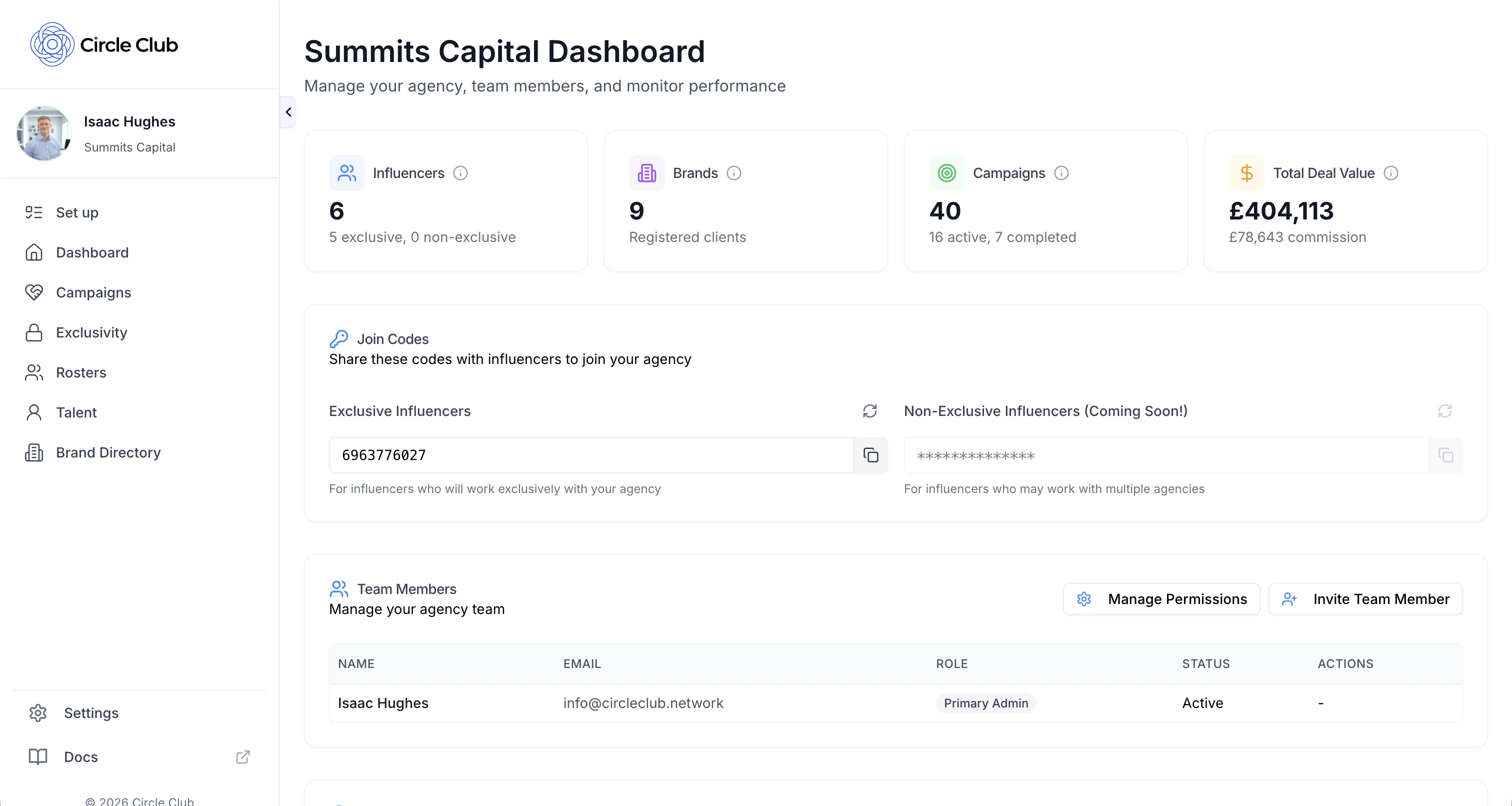
Agency Dashboard Overview
The Agency Dashboard provides an overview of your agency and access to all configurable sections.
As you scroll down the page, you will see sections for:
- Influencer join codes
- Team members
- Agency branding
- Invoice and payment details
- Agency settings
Each section is managed independently.
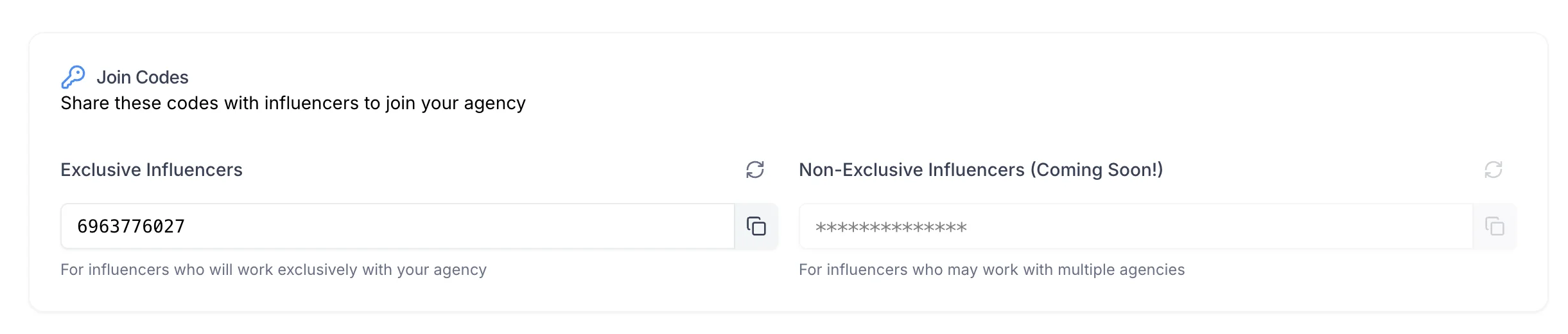
Influencer Join Codes
The Join Codes section is used to invite influencers to apply to join your agency.
From this section, you can:
- View active join codes
- Share join codes with influencers
- Allow influencers to apply to join your agency using the provided code
- Join codes can be refreshed by clicking the refresh icon
Join codes can be distributed via email, message, or any external channel.
Team Members
The Team Members section is used to manage talent managers within your agency.
From this section, you can:
- View all current team members
- Invite new talent managers to join the agency
- Manage team member permissions
- Remove team members from the agency
Changes to team members and permissions are applied immediately.

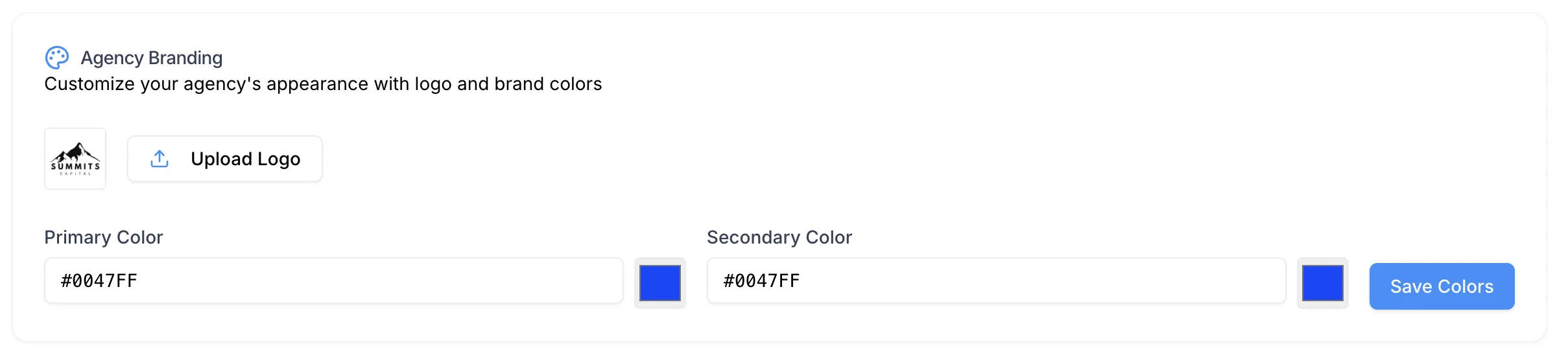
Update Agency Branding
In the Agency Branding section, you can update:
- Agency logo
- Branding details used across Circle Club
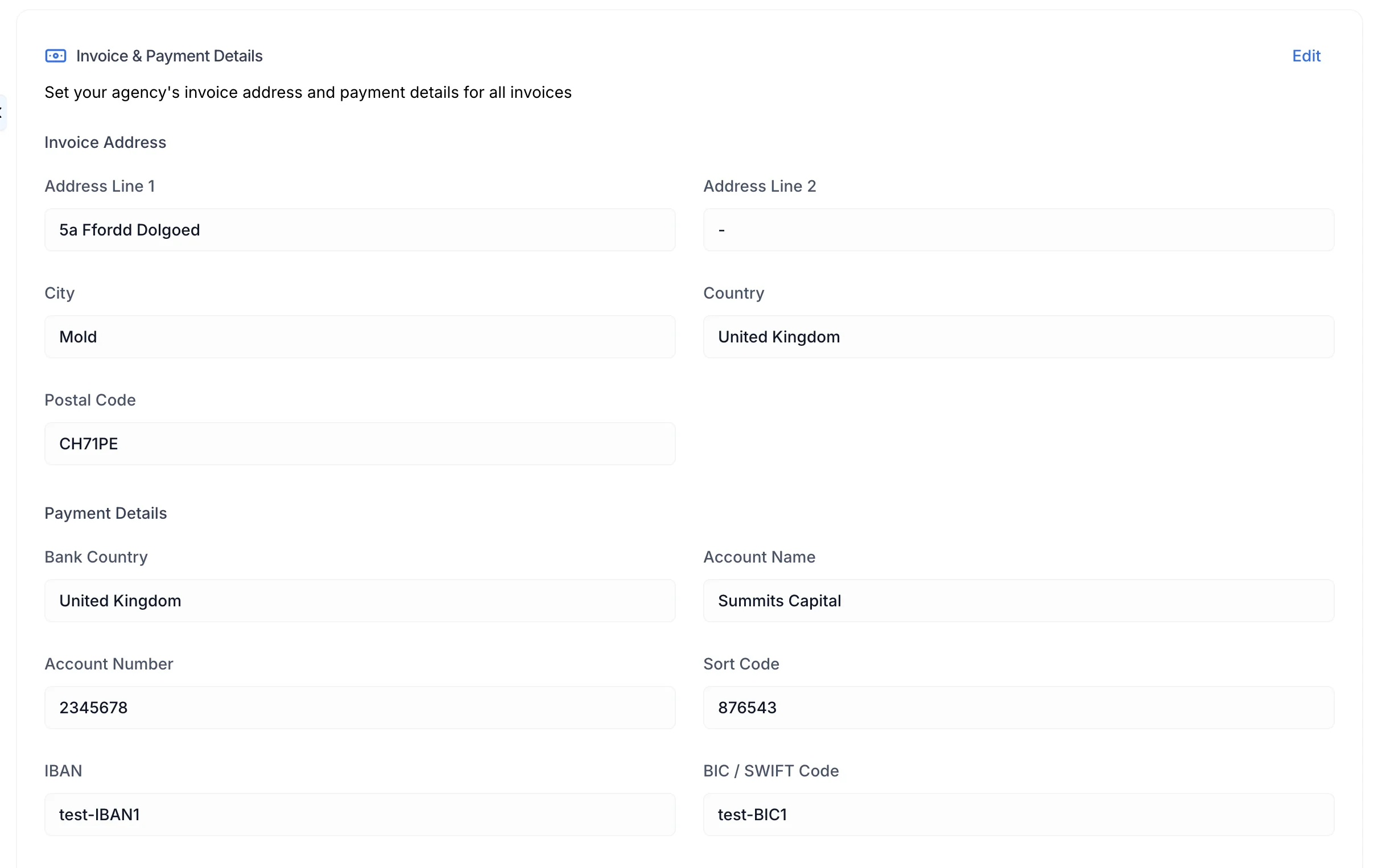
Invoice and Payment Details
This section controls billing-related information for your agency, including:
- Invoice details
- Payment information
- Click Edit
- Update the relevant fields
- Click Save to apply changes
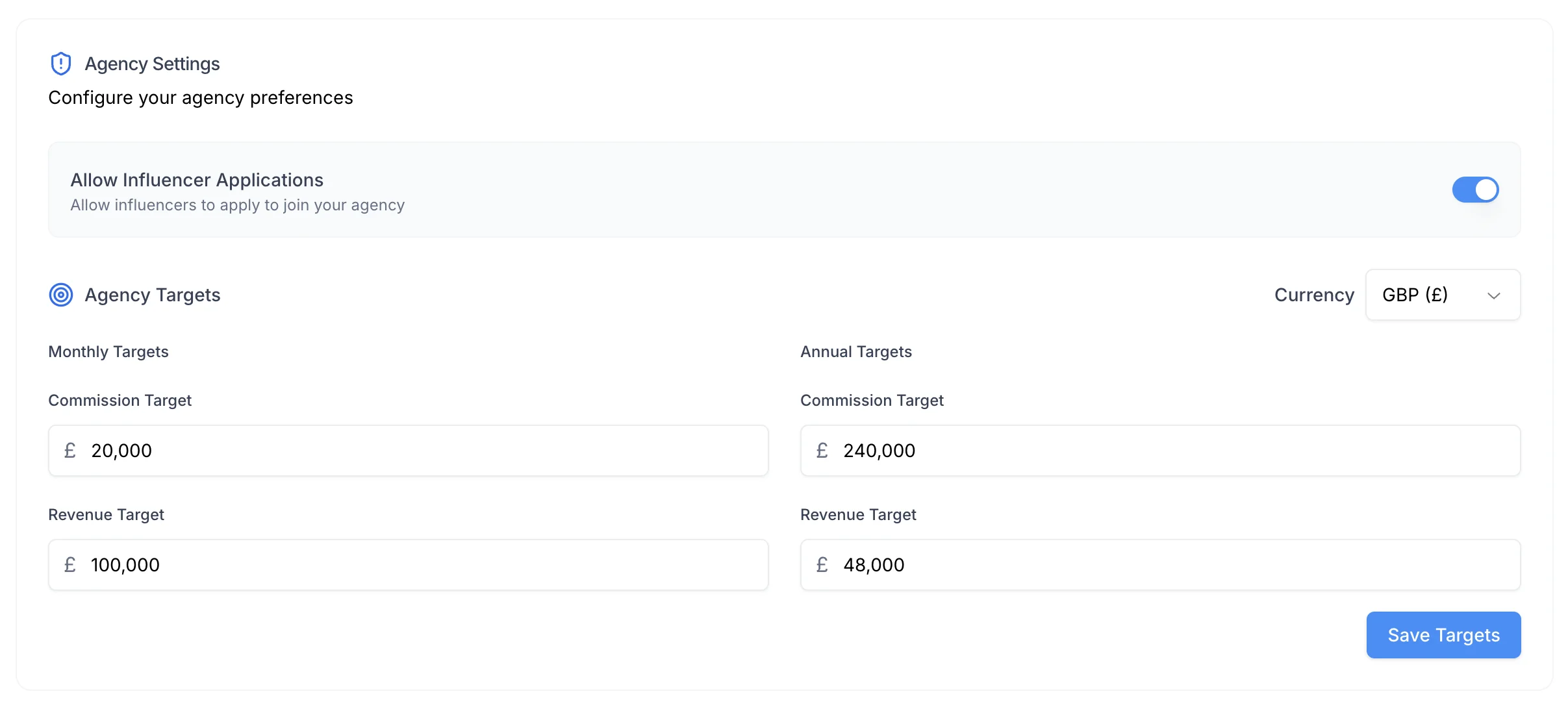
Agency Settings
The Agency Settings section allows you to configure operational and localisation preferences.
Agency Targets
- Set internal agency targets used for reporting and performance tracking
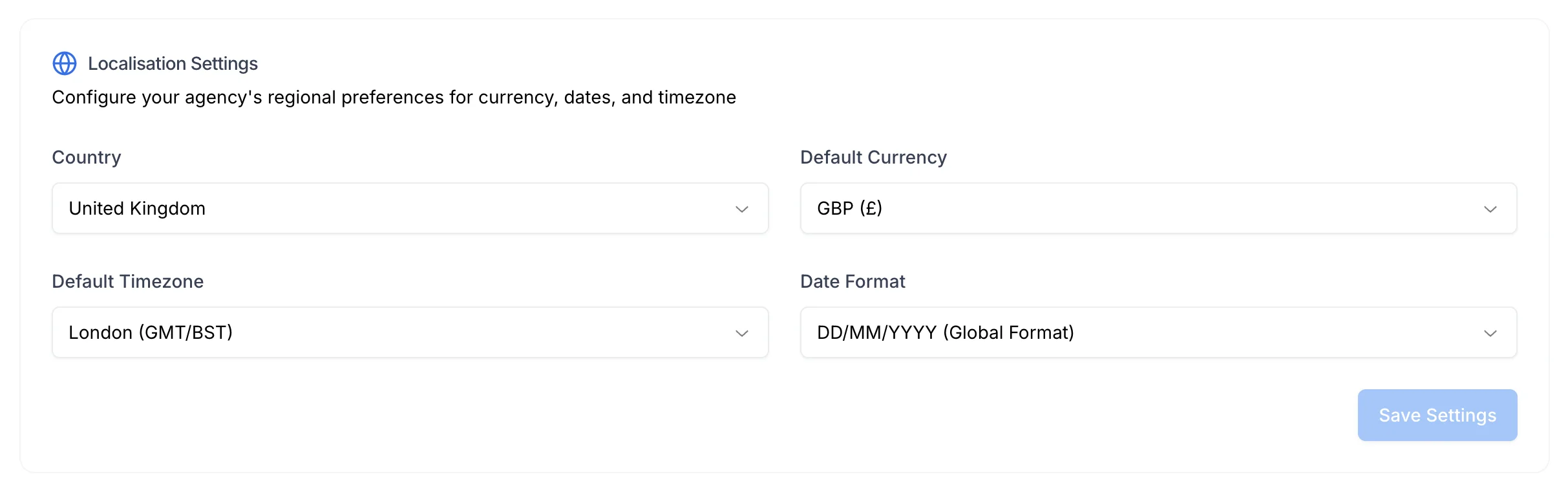
Localisation Settings
You can configure:
- Country
- Default Currency
- Default Time Zone
- Preferred Date Format
These settings are applied across the platform where relevant.
- Click Edit
- Update the required values
- Click Save to apply changes
Saving Changes
Each section on the Agency page has its own:
- Edit button
- Save button
Changes are only applied after clicking Save within that section.
Summary
Updating agency details in Circle Club involves:
- Navigating to Settings → Agency
- Reviewing agency information in the dashboard
- Managing influencer join codes and team members
- Updating branding, invoicing, and agency settings
- Saving changes within each individual section
All updates are applied immediately after saving.